You found a good idea. Now comes who you work with and how. The most common contest mistake is this: one person does everything, the others watch. Then that person gets tired, and the project stays unfinished.
This article is the third part of our Project and Contest Guide series. We explain building a team, splitting tasks, and the captain's real role in plain language.
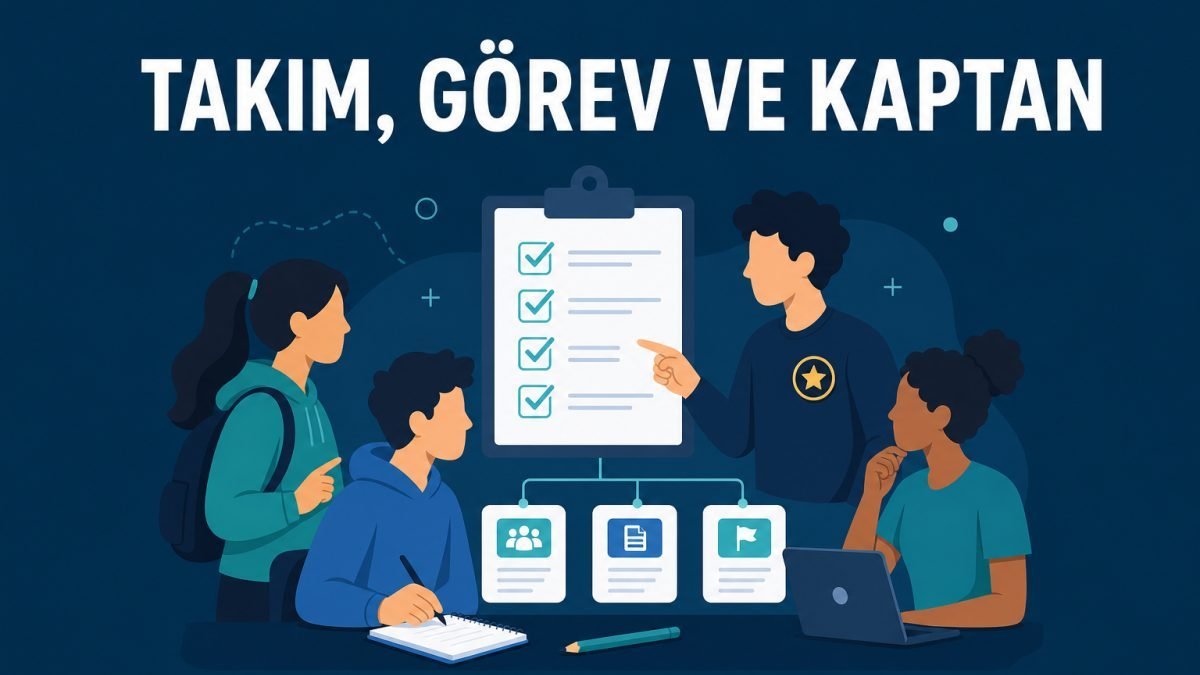
Remember: The captain is not the person who does every job. The captain makes the plan visible, divides the work, and keeps the team motivated.
How many people?
In a crowded team, decisions get hard. In a tiny team, the load gets heavy. For most school projects, 3–5 people is a balanced range. Always check the contest rules; the upper limit can change.
Ideally the team has these roles (names can change):
- Captain / coordinator: calendar, communication, overall follow-up
- Hardware / mechanics: case, connections, workshop
- Software / electronics: code, sensors, testing
- Documentation: report, photos, video, presentation text
One person can take two roles; but the "everyone does everything" state usually creates chaos.
How do you split tasks?
| Task | Who? | Due when? | Done? |
|---|---|---|---|
| Sensor wiring diagram | Ayse | Friday | Yes / No |
| First code (read + Serial) | Mehmet | Sunday | Yes / No |
| Case drawing | Zeynep | Saturday | Yes / No |
| Test video draft | Muhammed | Monday | Yes / No |
Write this table in a notebook or a shared file. At every meeting, update the "Done?" column. Saying "I'll do it" out loud is not enough; you need written follow-up.
What does the captain do — and not do?
Does:
- Makes a short weekly plan
- Checks who is missing what
- Organizes communication with the teacher and parents
- Mediates in conflicts
- Reminds everyone of deadlines
Does not:
- Does not have to write all the code alone
- Does not force their own decision in place of everyone else
- Does not only blame others when something goes wrong
Examples close to real life
1. The lone superhero
The best coder took everything. When they got sick, the project stopped.
Solution: Name a backup person. Keep critical information (not passwords; plan, files, diagrams) in a shared folder.
2. The "I don't know mechanics" escape
Everyone wants software; nobody builds the case.
Solution: Balance want and need. Take a small piece of the work you dislike too; learning is part of the job.
3. Progress without meetings
You messaged for a month, but there was no clear face-to-face or online meeting.
Solution: One short meeting a week (15–20 min). Agenda: what finished, what is stuck, who is next?
4. Friendship breaks
Work was not split, so an argument started.
Solution: An early clear task list. Instead of blaming, ask "Whose job is this?"
5. Not informing the teacher
The team moves on its own; the teacher hears about it in the last week.
Solution: The captain sends a short status note once a week. Stay visible if you want support.
A short note for parents: Give morale for team work now and then; but do not constantly interrupt meetings. Children learning responsibility among themselves is an important part of the contest.
Short questions you can ask yourself
- What is my clear task?
- What concrete output will I deliver this week?
- If I cannot finish a task, do I have a backup plan?
- Is there a communication gap on the team?
What is next?
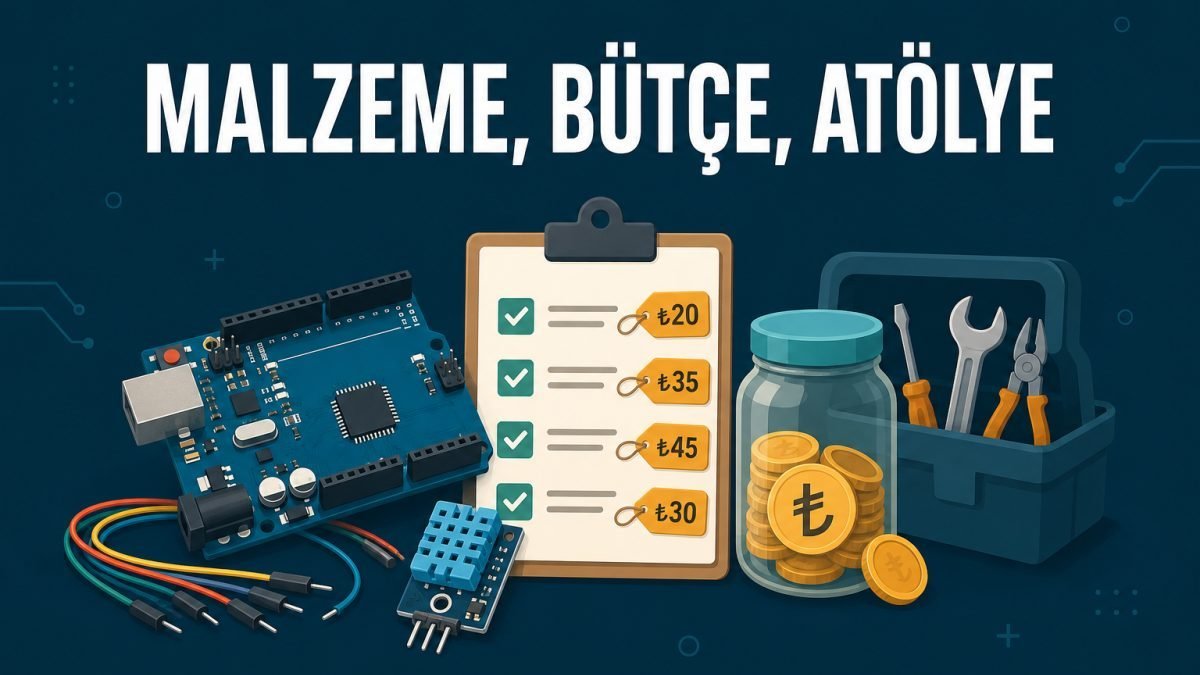
In the next part we will cover materials, budget, and workshop planning.
A good team carries a good project. Split the work, write the dates, move forward together.