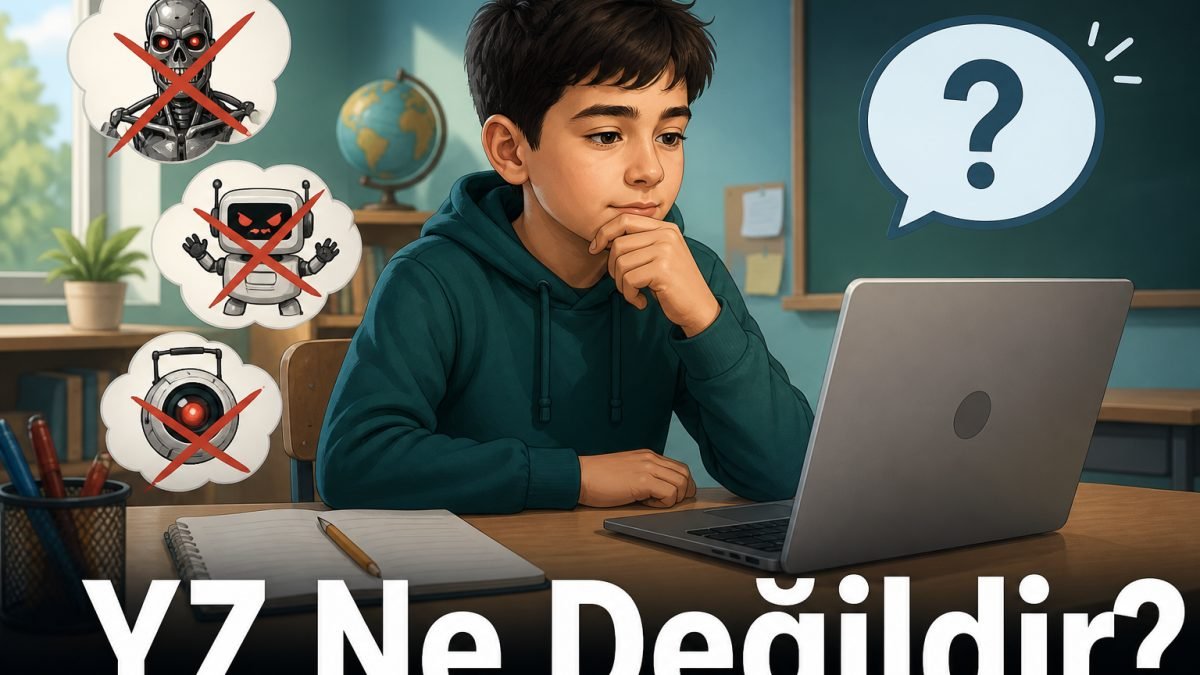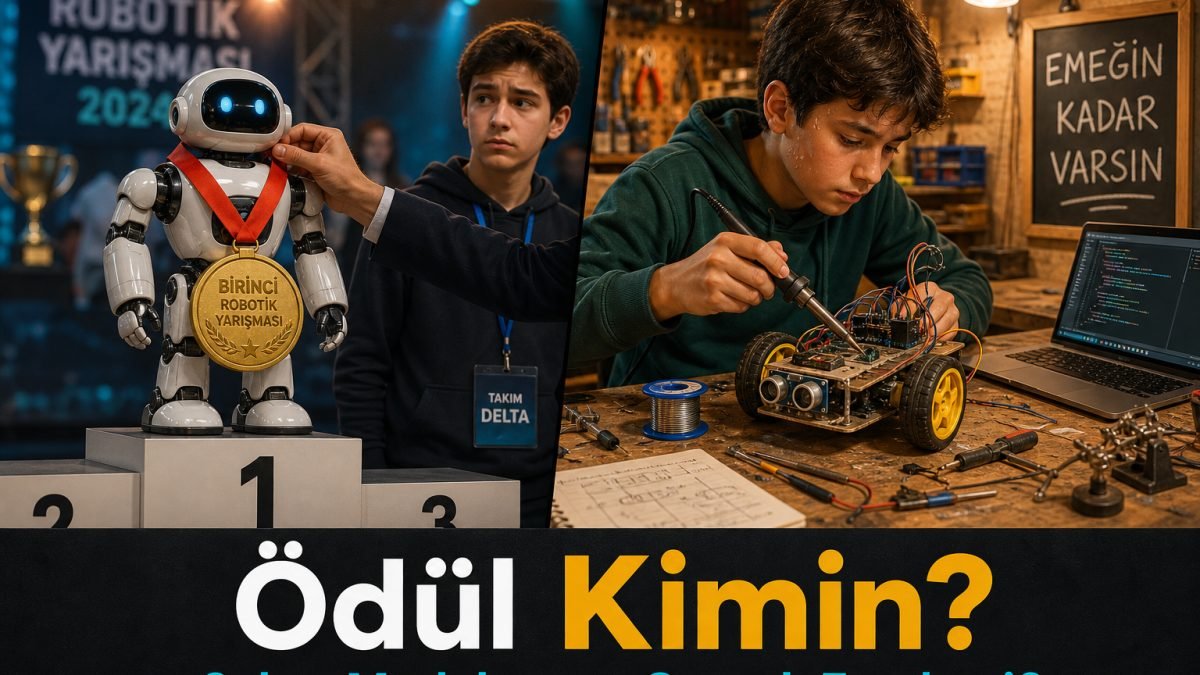
In the first article we made this clear: the AI in the chat box is not the conscious robot from films. So how does an answer appear when you type a sentence? If you skip this as magic, you will be shocked every time the output is wrong. In this article, without formulas, I explain this: the tool extracts patterns from examples and produces a guess. Fluent sentences do not mean it understands like a person.
This is part two of our Artificial Intelligence series. My goal is not to turn you into an engineer. A student who sees the limit asks clearer questions and is fooled less often.
AI looks as if it understands because it writes tidy, confident sentences. What it actually does is look at patterns from earlier text and guess what the next piece might be. That guess is sometimes close to the truth and sometimes made up. What separates the two is your check.
It does not learn while you type
Many students think this: as I write in the box, AI gets to know me, learns my homework, and becomes smarter every time. The chat tool you use at school usually does not work that way.
The heavy work happens in a stage called training. The model is run on huge amounts of sentences, code, books, and web text. That work is expensive, takes a long time, and finishes before your chat. Your sentence is a question sent to that finished model. At that moment it does not study like a person; it produces a continuation from the patterns it already has.
A workshop picture: you set up a soldering station once. You do not invent the station again for every board. An AI model is largely a station that is already set up. Chat is the work done at that station.
A rough analogy that still helps
Imagine a huge pattern notebook. For years it was filled with homework, books, forum posts, and code samples. You write a sentence. The notebook produces a continuation close to what usually came next after similar sentences. That is not consciousness. It is not a conscience. It is pattern plus a guess.
Three parts are enough:
- Input: Your question, a pasted error, a text, or an image.
- Model: A large set of numbers set during training. In technical language they are called weights. You do not have to memorise the name. What you need to know is this: those numbers steer the model toward the next likely word.
- Output: A possible answer, code, summary, or image. Possible does not mean the only correct answer.
The output is a shadow of patterns seen a lot in training. On a rare, unseen, or messy topic the model can talk nonsense. Some tools can also search the web. Even then you open the link yourself; if it does not exist, you do not use it.
Why does it sometimes make things up?
In daily language we call this making things up. In technical language it is often called hallucination. The word sounds scary. It means this: the model can write a book, a site, a pin number, or a date that does not exist — in a tidy sentence.
The reason is not that the model likes lying. The system is usually built to produce a continuation. It does not stop like a person and say I do not know in a reliable way. When there is a gap, it prefers a convincing sentence over silence. Sounding sure is not the same as being right.
| Situation | What can happen? | What do you do? |
|---|---|---|
| Little-known topic, you want a source | It can invent a book or a site | Open the link for real. If it is missing, do not use it. |
| Board or sensor model is unclear | Wrong pin or library | Datasheet and teacher check. |
| Exact date or number | A confident wrong figure | Confirm from an official source. |
| A long, mixed request | It loses the middle and contradicts itself | Split the request. Ask step by step. |
What is a context window?
While you chat, not everything stays in mind forever. There is a limit to how much text the model can look at in one go. That limit is called the context window. As the talk gets long, the board name, pin, or rule you gave at the start can look forgotten. That is not stubbornness. The desk is small; old pages fall off.
That is why putting the critical facts back inside the question helps. Instead of getting angry because I already said that, repeat the needed line: the board name, what you want, what is not allowed. A short complete sentence works better than a long pile of chat.
Examples we see in the workshop and in homework
1. A library that does not exist
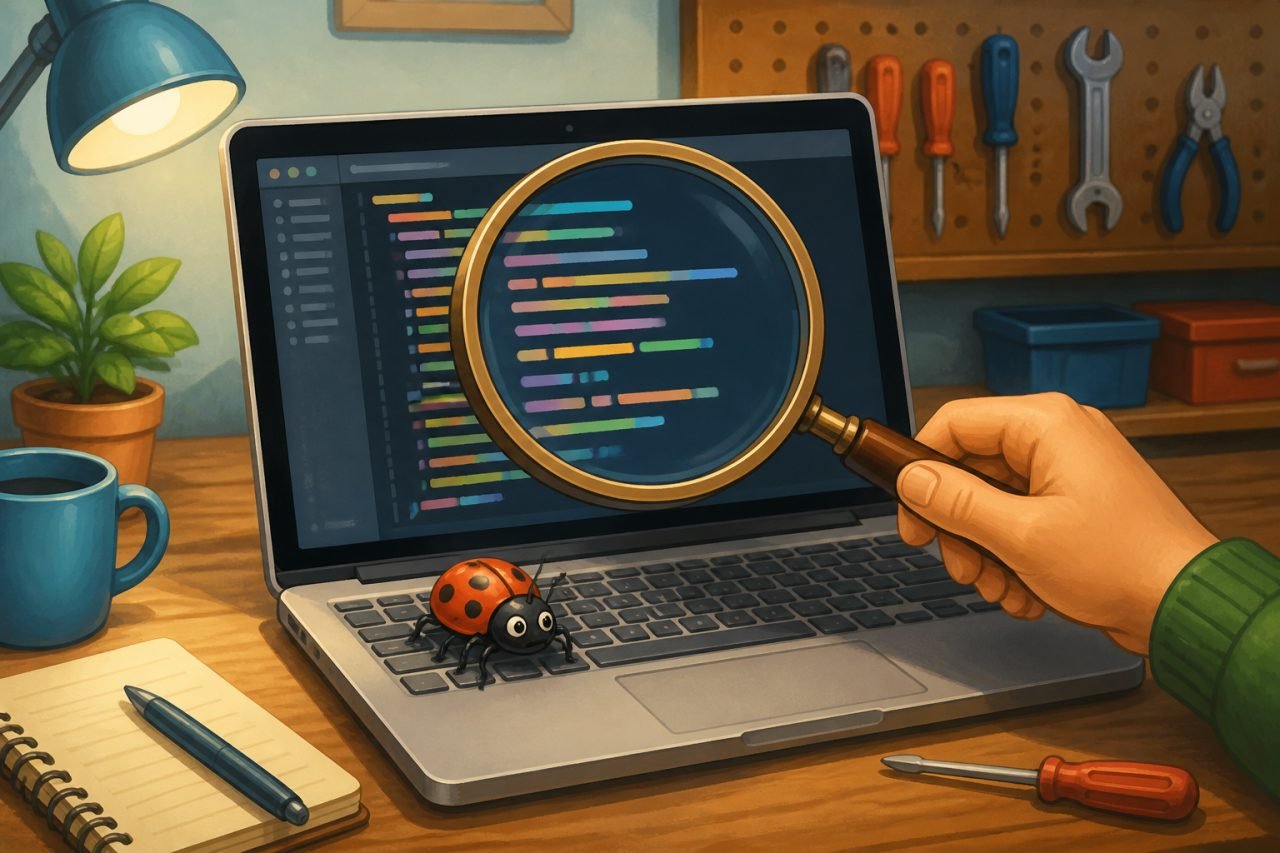
AI said install this Arduino library. It is not in Library Manager. The cause is often invention or mixed old information. The fix is official docs or a library your teacher knows. Do not try to install a name just because it sounds good.
2. A fluent but shifted summary
You asked for a summary of an article. The sentences flow. The main point has shifted and a warning is gone. A summary is a starting point. You read the real text. Memorising the AI sentence is not enough when you explain it to a teacher.
3. A health question
You asked what helps this pain, and it named a medicine. That is dangerous. On serious topics a doctor or an authorised person speaks. AI is not a chat friend or a physician.
4. Two different answers to the same question
One sketch in the morning, another in the evening. That can be normal. The model does not photocopy; it guesses. Do not tie an important decision to a single answer. Compare two outputs with a small test on the board.
Practical habits
Do not say write everything in one shot. First read the sensor, then add the decision, then connect the output. A huge request confuses both the model and you.
You can ask are you sure, show a source. Still check the source yourself. That question alone is not a lock, because the model can invent sources.
In technical work, run a small test first. See a value on the Serial Monitor, light an LED, try a short sketch. Do not upload a long sketch that does not work.
Do not paste a word you do not understand into homework. Ask it to explain as if to a twelve-year-old, then confirm in your own sentences. If you cannot explain it, you have not learned it yet.
Note: This content is for information. It does not replace official procedures, manuals, or authorised instructions.
Quick checklist
- Is this answer a guess, or checked information?
- Did I check a source, a datasheet, or a teacher?
- Is my request too fat? Would splitting it make it clearer?
- Did I put the critical facts back inside the question?
What is next?
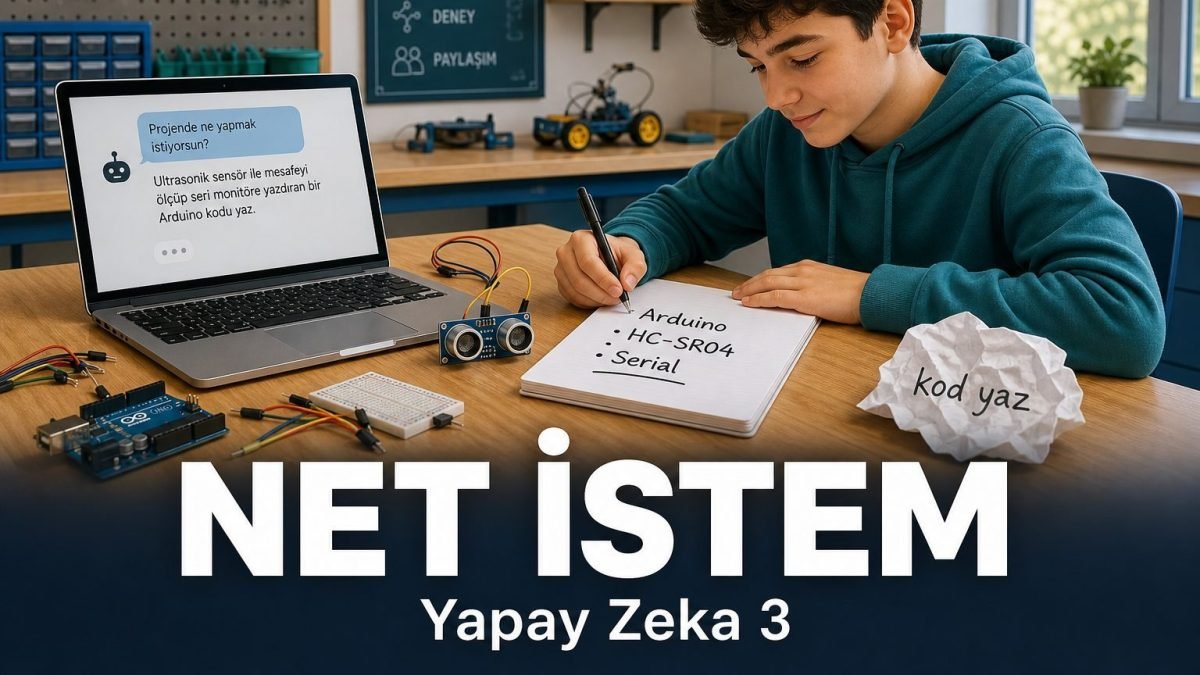
You saw how it produces a guess. Next we go to the practical side: writing a clear request. We will show the difference between write code and print centimetres from an HC-SR04 on the Serial Monitor in under ten lines.
If you recognise the guess, you do not panic. You check.