Let us talk about one of those workshop moments that make everyone tear their hair out.
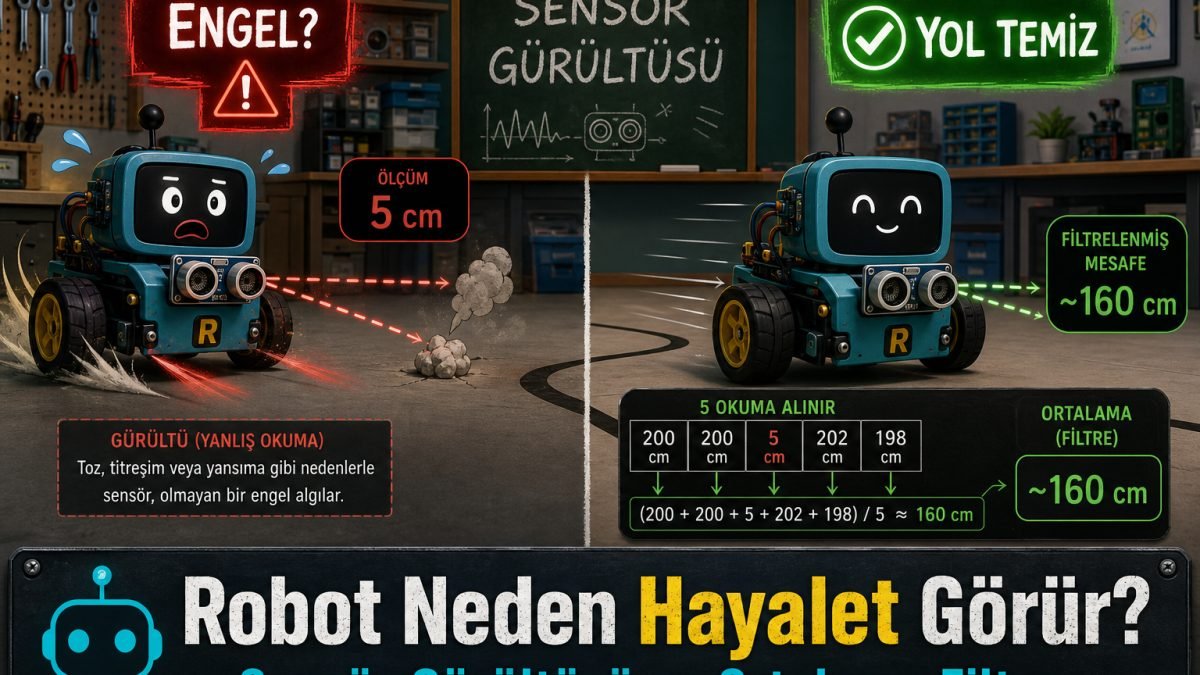
The student runs in excited: Teacher, the code is done, everything is ready, let us test! You place the robot at the start of a corridor with big hope. The corridor is empty. No wall, no obstacle. But the moment the robot moves, it suddenly panics — stops, reverses, or spins in place as if it hit an invisible wall.
The student's face drops: But teacher, the way was clear — why did it stop? You smile... because you know what the robot misread.
What happens when the sensor gets confused?
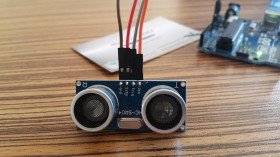
The source is often our famous bat-eyed ultrasonic sensor: HC-SR04. It sends a sound pulse and waits for the echo.
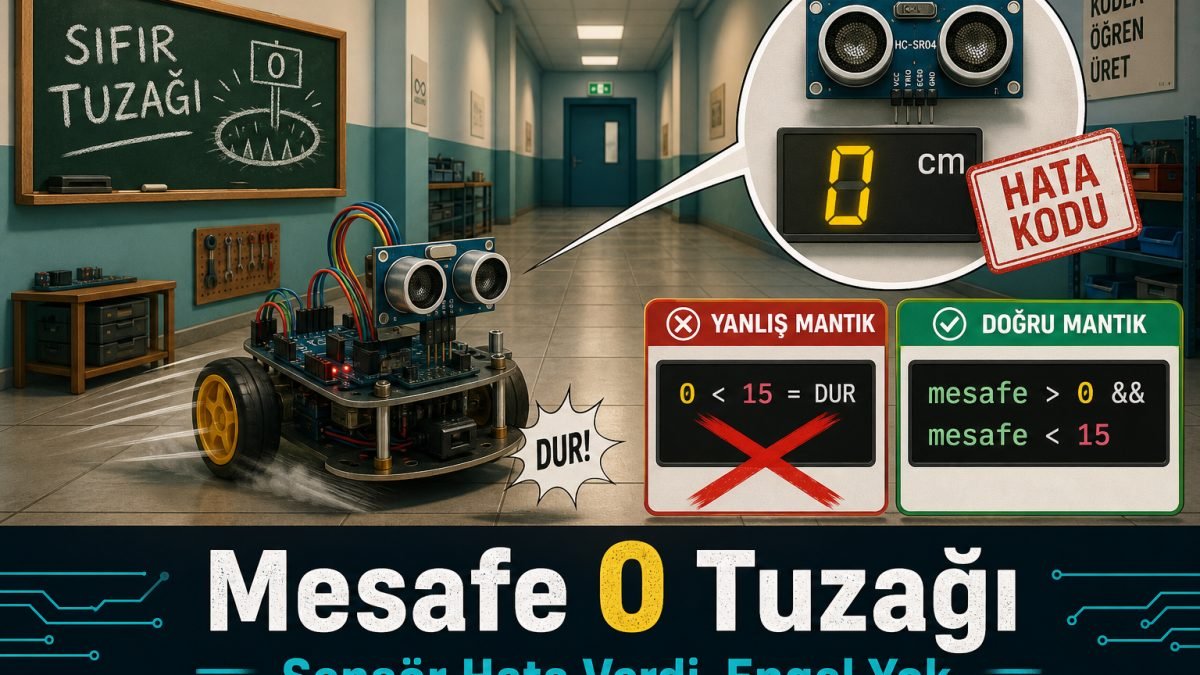
Real life is not a clean lab. Sometimes the sound is absorbed by fabric. Sometimes the angle is wrong and the echo never returns. At that moment the sensor cannot measure. What it wants to tell Arduino is: I could not measure the distance. I do not know.
How does it say that? With a known error signal: a big fat 0.
Different from our sibling tip: In Why Does Your Robot See Ghosts? we filtered random wrong samples (noise) by averaging. Here the issue is different: the sensor deliberately returns 0 = measurement failed. And we wrongly treat that zero as I am touching a wall.
The robot's innocent math mistake
In the student's code there is usually this innocent line:
if (distance < 15) {
  stopNow();
}
The sensor sends 0. The robot does simple math: Is 0 less than 15? Yes — very less!
So the poor robot thinks its nose is against a wall and hits the panic button. There is no wall. Only a confused sensor that failed to measure. The robot is not seeing ghosts; it is misreading an error code.
Experience talking: teach the robot logic
Teach it this: A 0 does not mean you got extremely close. It means the sensor failed. Do not treat it as an obstacle — skip it.
Old flat logic: If distance is under 15, stop.
New experienced logic: If distance is under 15 and distance is not 0, stop.
if (distance > 0 && distance < 15) {
  stopNow();
}
That is it. With this small touch, the robot stops treating ghost zeros as obstacles and reacts only to real distances.
You can also combine it with averaging: take a few samples, compute the average, and still keep the distance > 0 check in the decision. They are not rivals; they complete each other.
Remember; robotics is partly the art of managing imperfect hardware with smartly written code.